Quizzes limited to simple multiple choice
Order, match, fill in, enumerate and more
Create · Play · Correct · Share. Rich quizzes with images and sound, exam and challenge modes, and a detailed correction after every attempt.
Already using QcmMaker? Get an activation code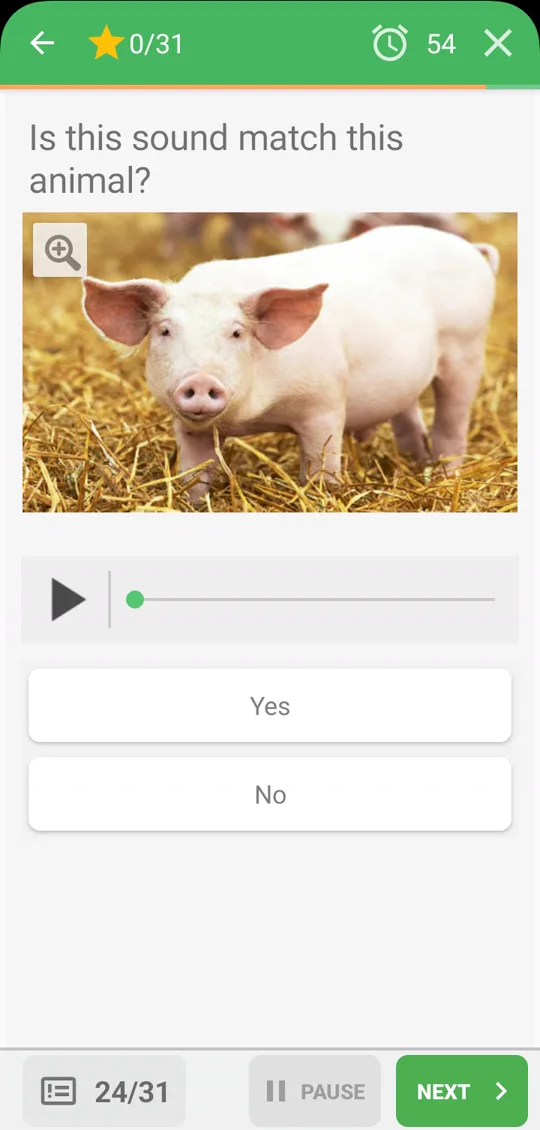
Every feature answers a real need of teachers, trainers and learners.
Quizzes limited to simple multiple choice
Order, match, fill in, enumerate and more
Text-only questions that bore everyone
Pictures and audio everywhere in a quiz
Practising without knowing what went wrong
See every mistake and replay only those
Quizzes stuck on a single device
One file to share, playable on the web too
Watch how to create a quiz, play it against the clock and check your answers — all in a short video.
The QcmMaker app, the web reader and companion plugins all work with your .qcm files.
 QcmMakerAvailable
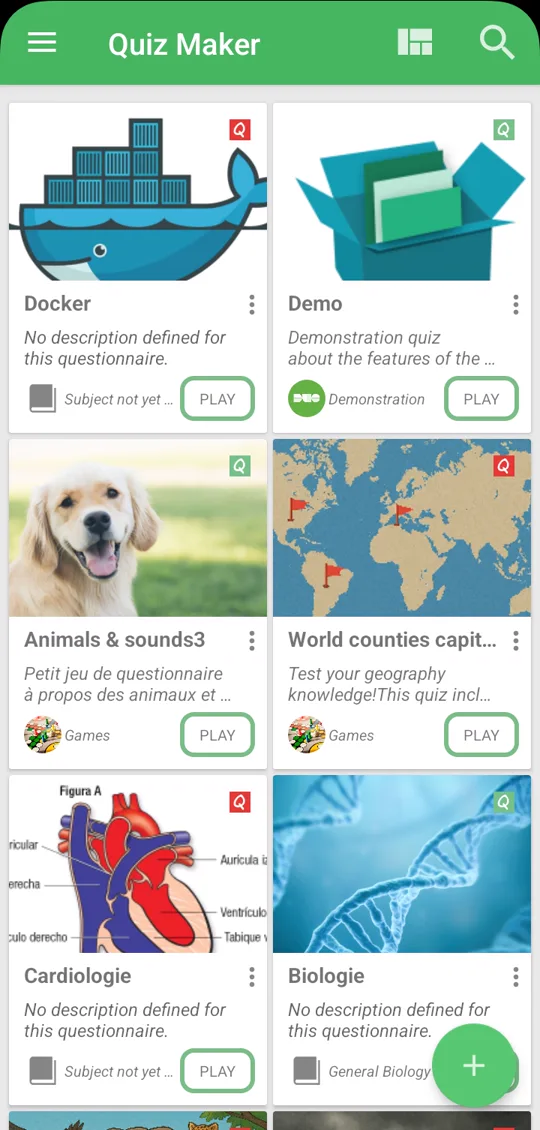
Build a quiz in minutes on your phone, play it, review the correction and share it as a .qcm file.
 PLAY
 PLAY
 PLAY
 PLAY
 PLAY
 PLAY
Open and play .qcm files on a computer, a tablet or a phone, with nothing to install.
 Qcm LockerAvailable
Lock a quiz with a pass code and decide who can open it — ideal for exams and private content.
 QcmToPdfAvailable
Turn a .qcm quiz into a clean PDF, ready for paper tests, handouts and revision sheets.
More plugins are on the way.
From a quick revision sheet to a full exam, step by step.
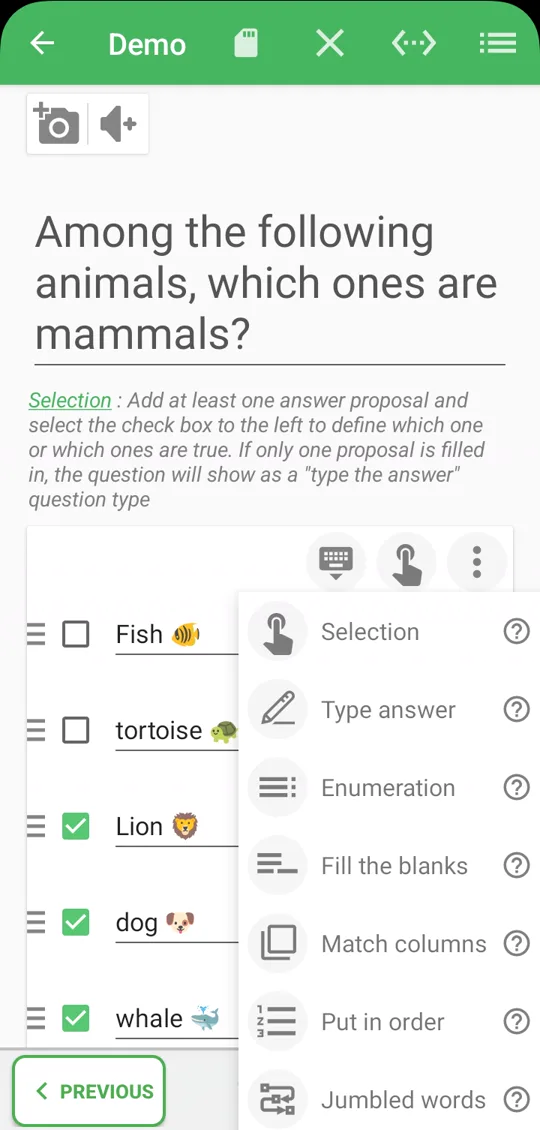
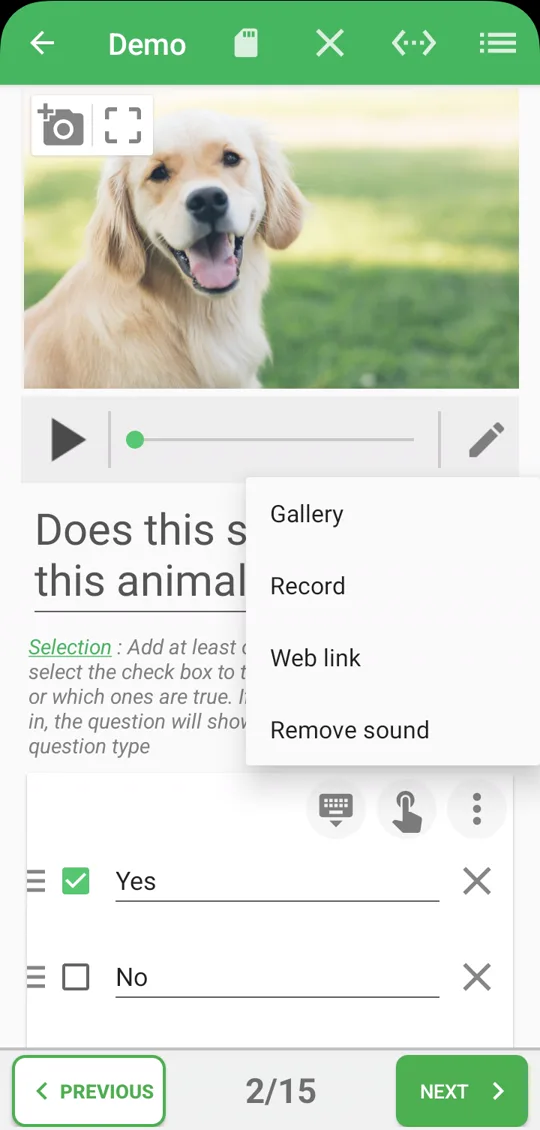
Pick a question type, add your answers, drop in an image or a sound clip and preview the result instantly.
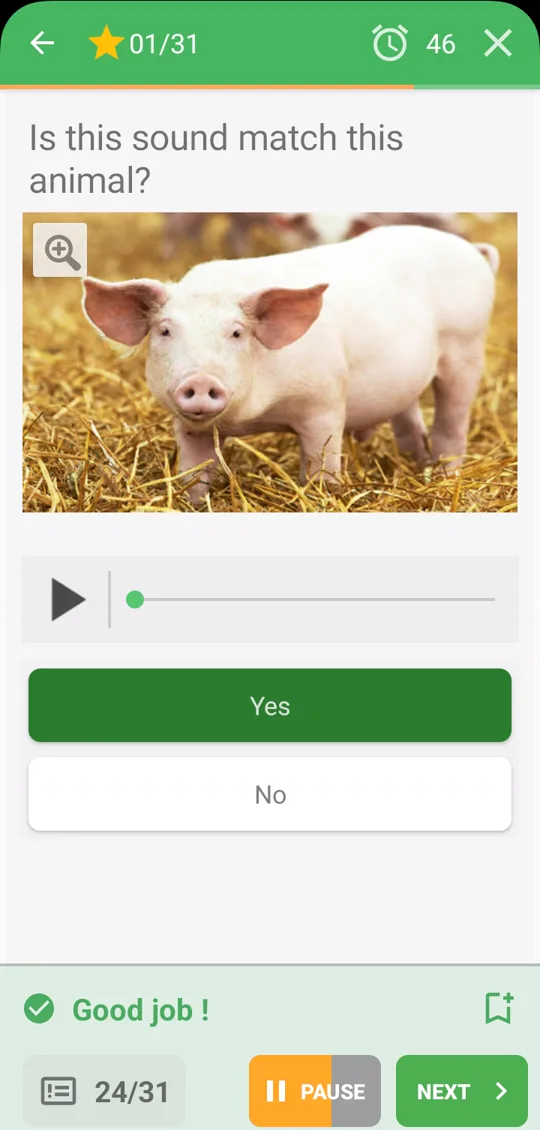
Challenge mode gives instant feedback after each question. Exam mode keeps the answers for the end, just like the real thing.
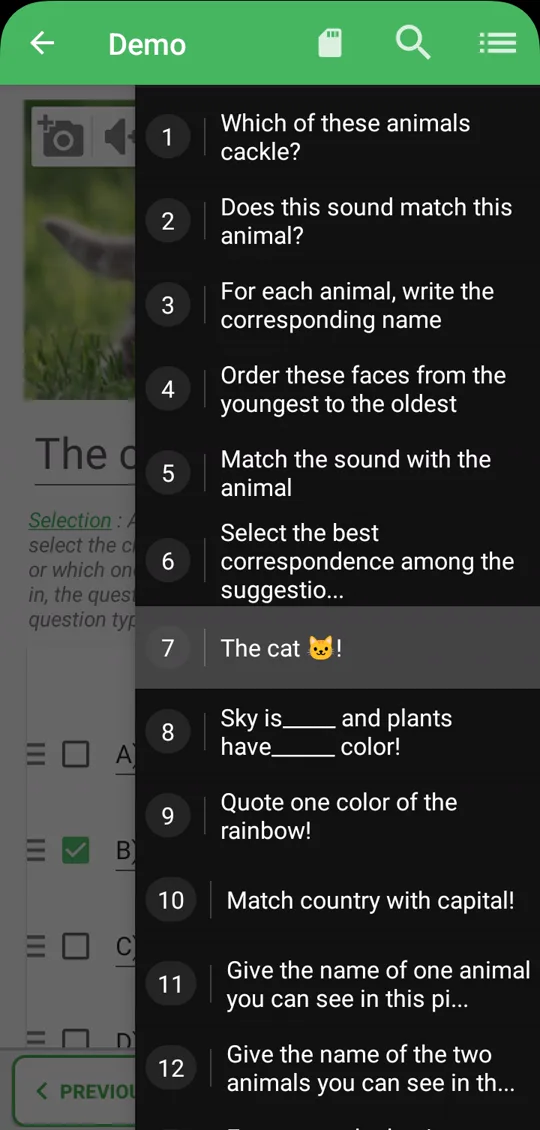
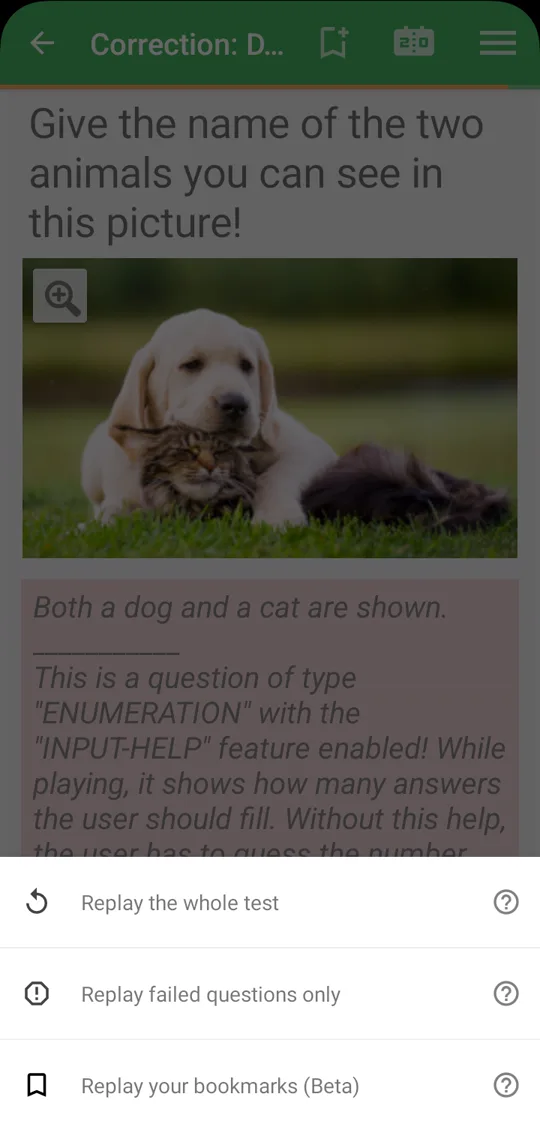
The correction dashboard shows each question at a glance. Retake the whole quiz, only the failed questions, or your bookmarks.
Designed for teachers, students, trainers and quiz lovers.
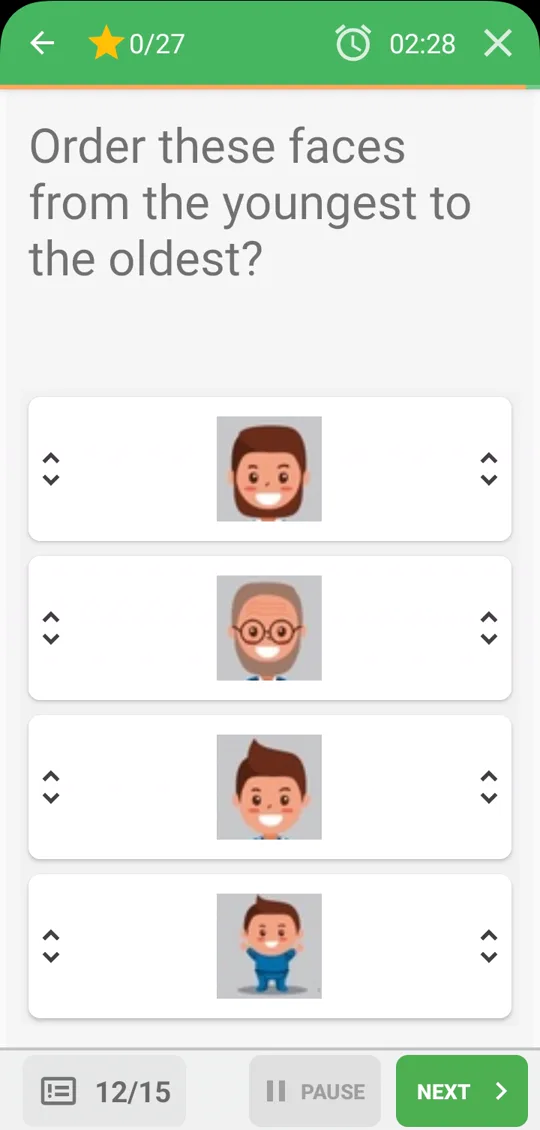
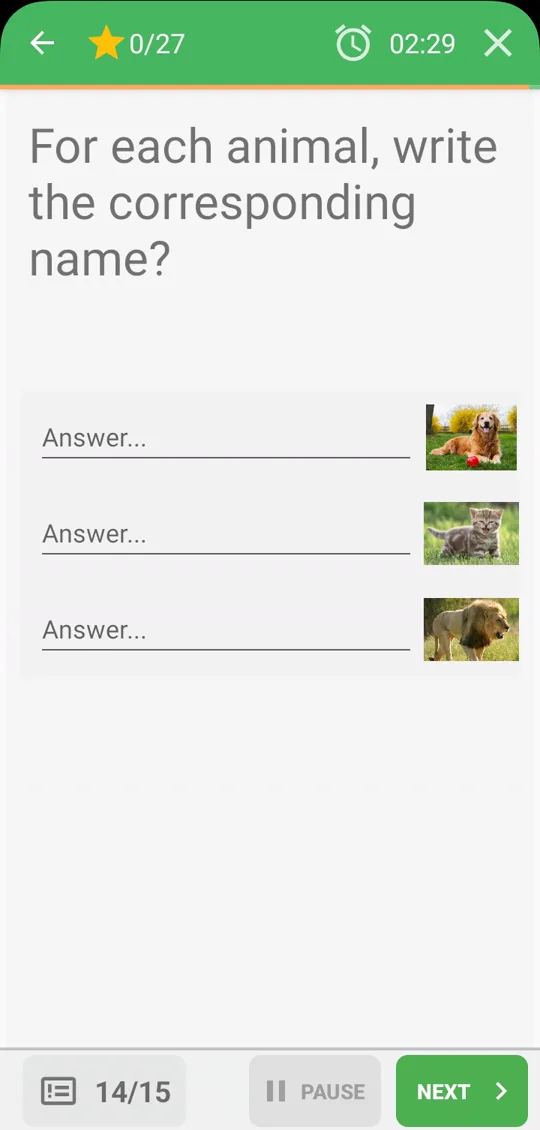
Single or multiple choice, open answer, fill in the blanks, put in order, match columns, enumeration, jumbled words…
Add pictures and audio to questions, answers and comments.
Practise against the clock and track your progress.
Review every answer with explanations.
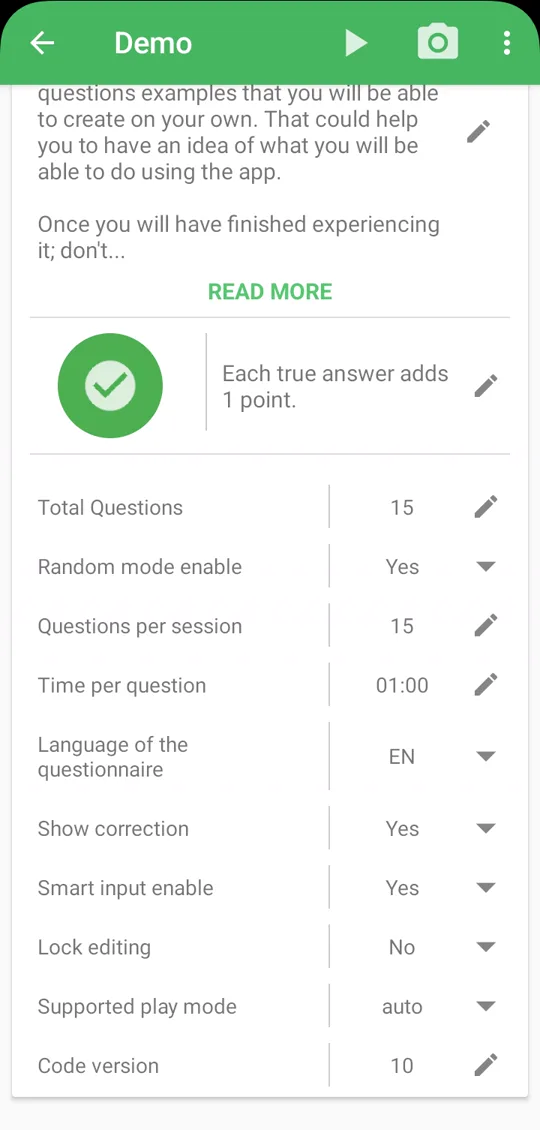
Timer, random order, questions per session, navigation and scoring.
Send a quiz to your students or share it with the community.
Buy a code on the QcmMaker licence store and enter it in the app to activate your licence.
Choose your licence, receive your code and activate it in a few seconds.
Get an activation codeA code can be passed on: offer QcmMaker Premium to a student, a colleague or a friend.
Offer a codeNeed several licences for a class or a team? Write to us and we will help you.
Contact usPick your licence on the QcmMaker licence store.
Your activation code is sent to you after payment.
In QcmMaker, open the licence screen and enter your code.
Secure payment on the QcmMaker licence store. You can also subscribe directly in the app through Google Play.
The user guide walks you through every step, from your first quiz to sharing it. Video tutorials are also on our YouTube channel.
Join QcmMaker Beta to test what is coming next and help shape the app.
Free on Android, playable on the web. Your next quiz is only a few taps away.